The Best File Recovery Software for Mac OS X System Available Now!
AppleXsoft International: Deutsch Français Россию 繁體中文 简体中文  
  You are here: AppleXsoft.com > Photo Recovery for Mac > Screen Shots
 
Product Information

Software Overview
Download Free Trial
Buy Now
View Screen Shots
Step-by-step recovery guide
Configuration & User Guide
Why do I need this software?
Mac Product Comparison
FAQ

Requirement:

Mac OS X 10.3 or later.
Leopard compatible


Minimum of free hard disk space as large as the media you wish to recover

You may also need a card reader for your media if the camera is not supported as a removable disk device

Our Awards


More Awards
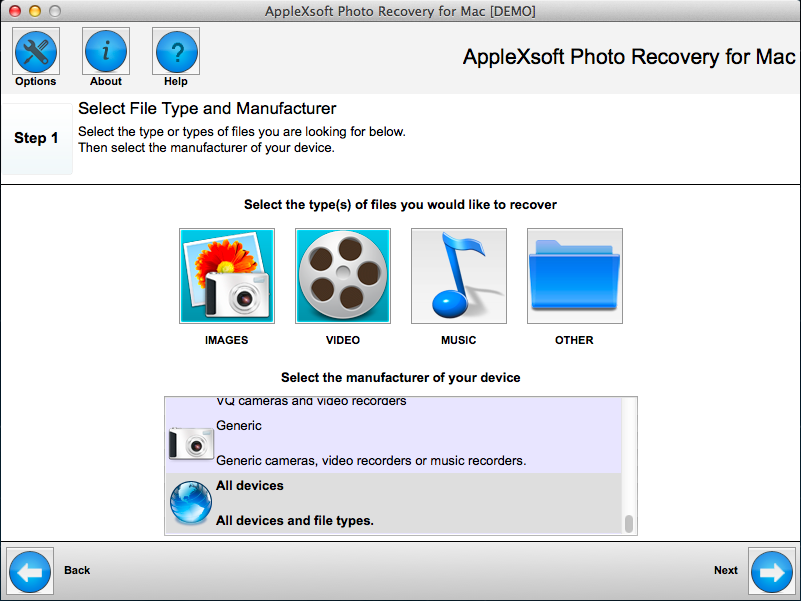
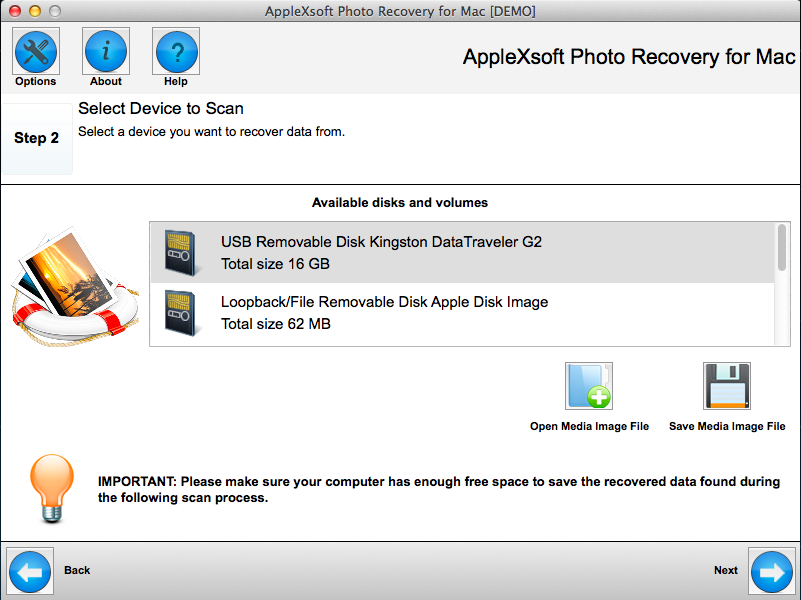
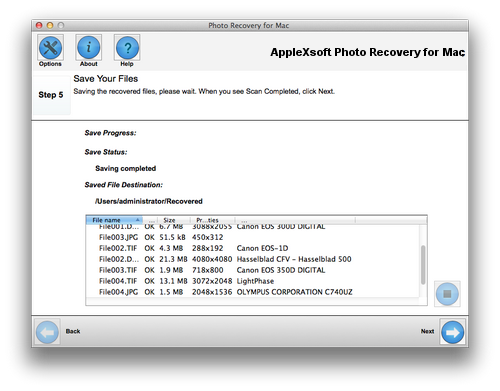
Photo Recovery for Mac ScreenShots


Main Window


The Options Dialog


All file Types


Related Questions
Thumb drive recovery software for Mac
How to recover files from USB flash drive on Mac OS X?
How to recovering your pictures from digital cameras or removable media?
How to recover lost jpeg (photos) vanished from iphoto?
How to recover photos from my two reformatted Lacie Drives?
Why Mac Photo Recovery activation code is invalid?
Open or preview the files.
How do I install Mac Photo Recovery?
Installation instructions
How do I recover deleted photos from my iPhone?
The program says it has recovered 319 files however none of the images show
The application was disappeared
Recover video from flip camcorder
Recover Lost Music and Video from iPod with AppleXsoft iPod Recovery software.
Mac Pen drive data recovery software
Why the recovered dossier is empty after closing Mac Photo Recovery?
Recover deleted images and video from digital camera

About Us | Press Releases | Privacy Policy | Sitemap | Glossary | Copyright © AppleXsoft.com 2012. All Rights Reserved
All trademarks acknowledged. Mac, Mac OS, Mac OS X and Apple are registered trademarks of Apple Inc.